Community Projects
Check out projects built by Tokyo Rust community members! From tools and libraries to applications and experiments, our members are creating amazing things with Rust.To add your project to this page, follow this guide.
Anodized
Specifications are a common ground across correctness tools in the Rust ecosystem. Anodized provides spec annotations that are checked for syntax and type errors at compile time, and have an ergonomic and expressive syntax. Specs are enforced at runtime by default. Integration with other tools like fuzzers and formal verifiers is also on the roadmap.

Cargo Usage Rules
Cargo usage rules is a project inspired by ash usage rules (https://github.com/ash-project/usage_rules) which allows you to easily generate a usage rules file AGENTS.md as a flat file or index into a directory so your local agent programming assistant can understand how to utilize your libraries.

Fungi
Fungi is a gateway for seamlessly exporting your services within a private P2P network. With Fungi, you can securely forward ports, transfer files, deploy WASI apps, or simply use it as a lightweight NAS.
MFEM-rs
Rust wrapper for MFEM; a free, lightweight, scalable C++ library for finite element methods.
MORK
MORK is a data transformation engine designed for applications that need to work with billions of entities efficiently. Initially designed for symbolic AI applications, to become the back for the MeTTa language (https://metta-lang.dev), it is now used by a growing list of folks in domains from genomics to financial pattern mining. MORK stores a space of S-Expressions and provides unification over atoms in the space. It can be accessed via an hyper-based HTTP server, although some users have linked it directly as a library.

oauth2-passkey
OAuth2 and WebAuthn/Passkey authentication library for Rust web applications. Provides Google OAuth2 login, FIDO2 passkey registration/authentication, session management, and admin UI with Axum framework integration. Supports SQLite/PostgreSQL and Redis/in-memory storage backends.
pathmap
Very compact radix-256 trie with shared subtries, concurrent access API, path-algebraic ops such as union, intersection, subtract, etc., a read-only format that maps directly from a file, and a number of other features to make it effective for working with massive amounts of data.

Shizen
Shizen is a tasklist/task management applicaiton and library with peer to peer synchronization and dependency chains for comprehension and visibility of currently actionable todo items
Sarekt
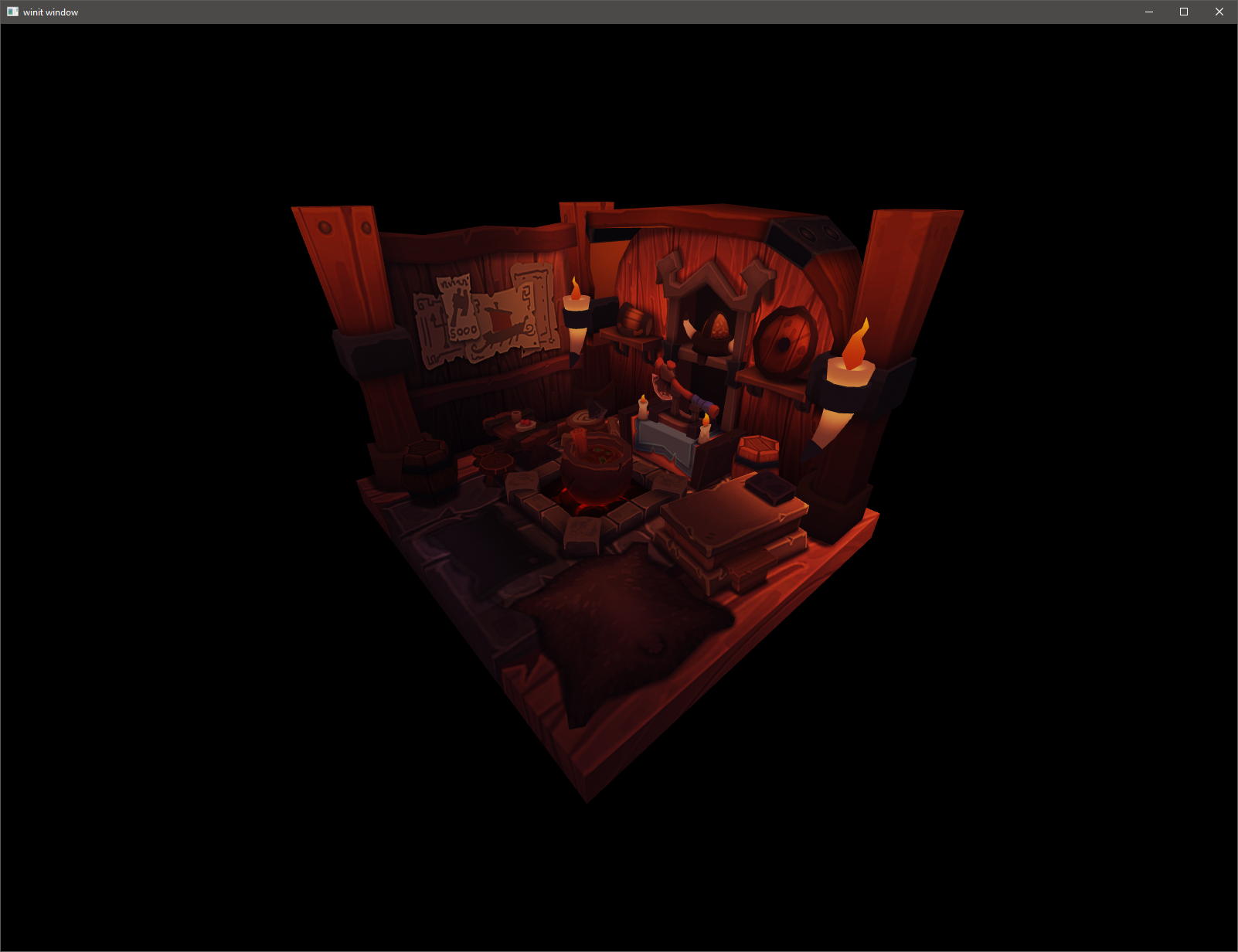
A bad renderer implemented with ash/vulkan in rust some years ago

ShaderJoy
Shaderjoy was a hackathon project created by Mate, Brandon, and Luke representing Tokyo Rust. It is a shader generator that uses LLMs to write shader code and a latent space of words to inform their generation and then continues to genetically refine your shaders of choice.
Unifont-rs
Unifont provides a monochrome bitmap font that covers the entire Unicode Basic Multilingual Plane. Halfwidth glyphs are 8x16, fullwidth are 16x16 pixels. Supports #[no_std] builds.